Image Bridge: A Link Is Not an Image
A small tool that publishes screenshots as public links, and the lesson about model capabilities it taught me.
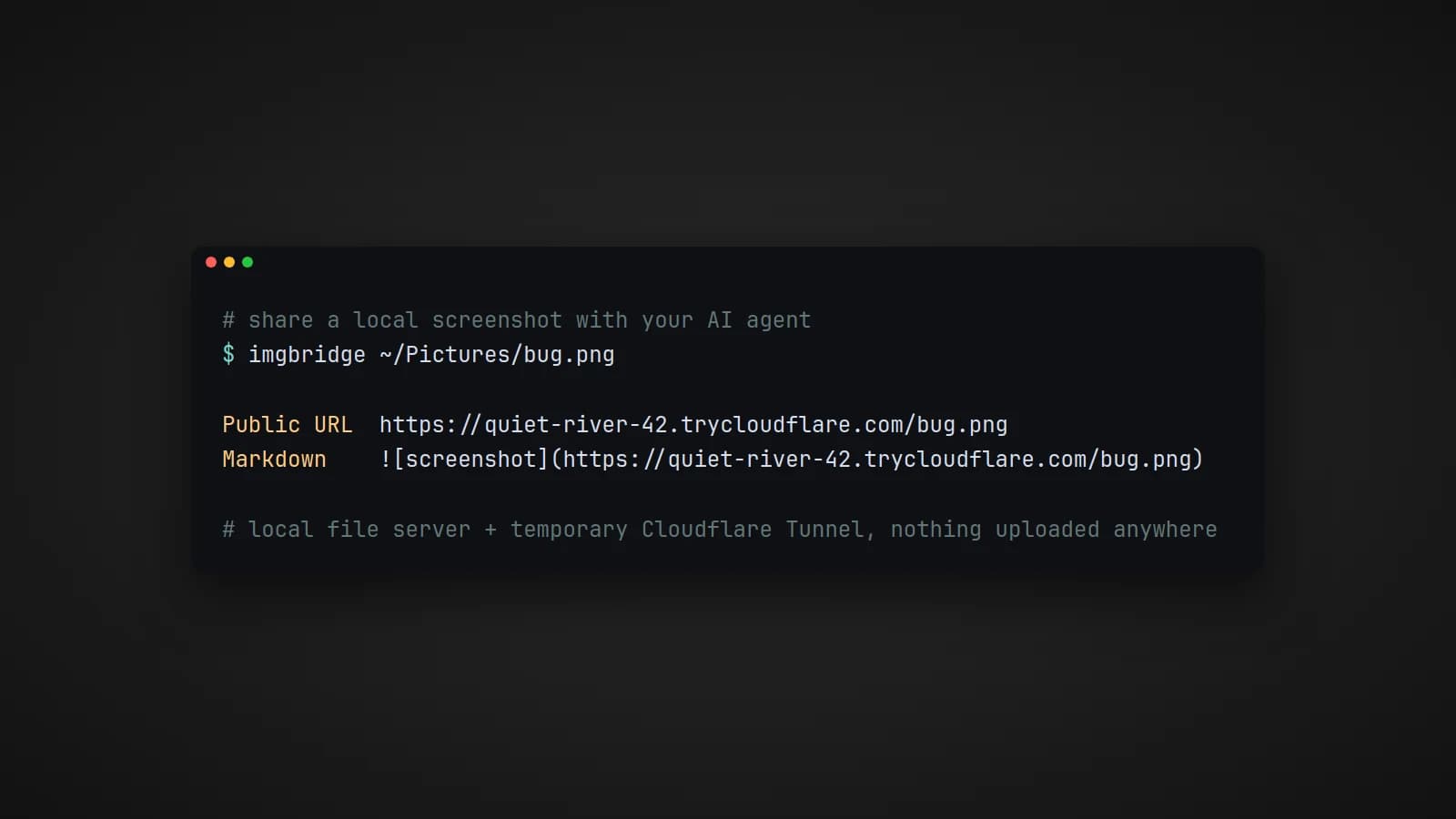
Image Bridge started with curiosity and ended with a lesson. I had a DeepSeek API key and was using it. Then I found out the model I was using was text only: it takes text in and gives text back, and it cannot look at an image. My first thought was a workaround. If I could turn a screenshot into a public link, maybe I could hand the model the link instead of the picture.
So I built Image Bridge. It did exactly what I designed it to do. It did not solve the problem I built it for.
What Image Bridge does
Image Bridge publishes a local screenshot or image file as a public HTTPS link in a few seconds. You give it an image, and it gives you back a raw URL and a ready-made Markdown snippet:
imgbridge path/to/image.png              # prints the URL and Markdown
imgbridge path/to/image.png --url-only   # just the URL
imgbridge-ui                             # paste or upload in a small web UI
Under the hood it is simple:
- The image is saved to a temporary folder.
- A small local web server serves that folder.
- A temporary Cloudflare Tunnel gives the server a public HTTPS address on
trycloudflare.com, with no account or domain needed. - Recent uploads are kept in a short history so you can grab a link again.
There is a command-line tool for quick use and a small Streamlit interface where you can paste a screenshot straight from the clipboard. A one-line installer sets everything up, including cloudflared if it is missing.
Why it did not work reliably
When I tried it with the text-only model, the results were unreliable, and once I understood why, it was obvious.
A link to an image is not an image. To a text-only model, a URL is just another string of characters. The model cannot open it and look at what is inside. At best, it can read the address itself, and an address ending in screenshot.png says nothing about the error message, the layout or the chart in the picture. Any answer it gave about the image could only be a guess, and a confident-sounding guess is more misleading than no answer at all.
No amount of plumbing on my side could change that. Seeing an image is a capability of the model, not of the way the image is delivered.
The lesson
Check what the model can actually do before building around it. I spent my effort on the delivery: the server, the tunnel, the history, the UI. The real question was a single line in the model's documentation: does it accept images? The answer was no, and the cleverest delivery in the world could not turn a text model into a vision model.
It is a lesson worth carrying into any AI project. When something seems to almost work with a model, it is worth asking whether the model is really doing the thing, or just producing plausible text around it.
Where it is actually useful
Image Bridge did not fail as a tool. It failed as a fix for that particular model. The same tool makes sense wherever the other side really can fetch and see an image from a link:
- Vision-capable AI tools and coding agents that accept image URLs but not file uploads.
- Chat tools and services that only take a link.
- Quick sharing of a screenshot during development, without uploading it to an image host.
The difference is the whole lesson in one line: the link is useful when the reader can see, and useless when it cannot.
A note on privacy
The tunnel links are public. Anyone with a link can open that image until the tunnel stops, and the address changes whenever the tunnel restarts. Image Bridge is meant for local development and quick workflows, not for hosting, so never use it for anything sensitive.
Try it
On Linux or macOS, with Python 3.11 or newer:
curl -fsSL https://raw.githubusercontent.com/Lusan-sapkota/imgbridge/main/install.sh | bashThe installer adds the imgbridge and imgbridge-ui commands to ~/.local/bin. The source code is on GitHub at github.com/Lusan-sapkota/imgbridge, under the MIT license.